
K-cast operation manual
None
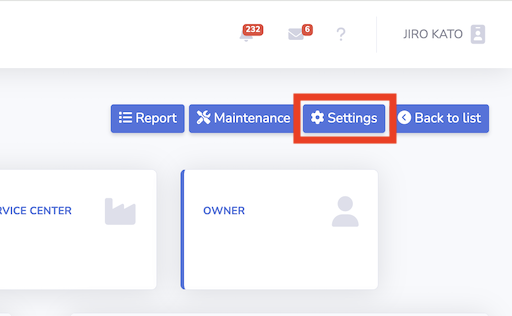
1. Press setting button in the device page
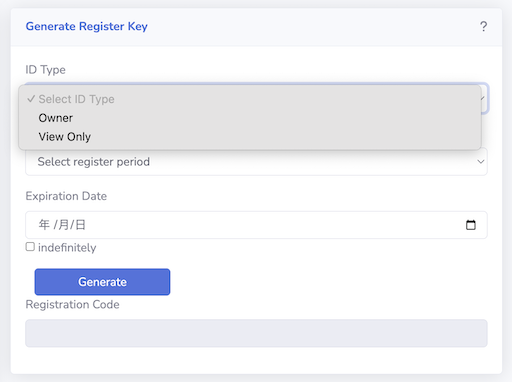
2. Select role
Select ID Type from "Owner" or "View Only".View Only mode allows you to view data but not edit it.
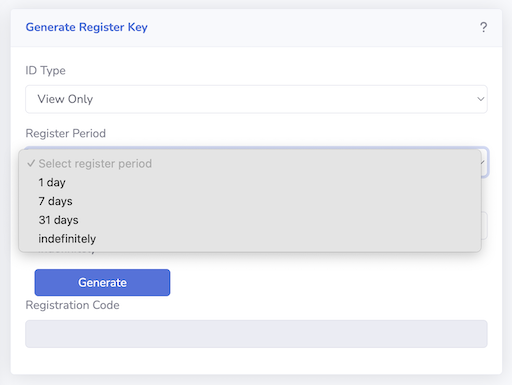
3. Select limit time
Select Key register period from "Register Period".The registration period is the period during which the key is available.
- Register Period only controls how long the registration code can be used. It does not control the user's permission expiration date.
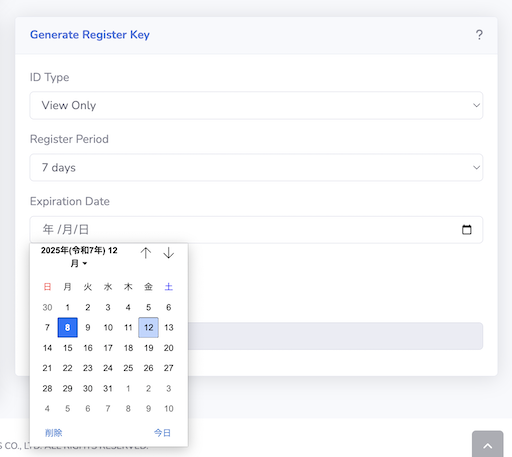
4. Select Expiration Date
Select Role expiration date from "Expiration Date". After this date user lost the right to access information.
- Expiration Date is saved as the user's permission expiration date for the target machine, including when permissions are granted directly by email.
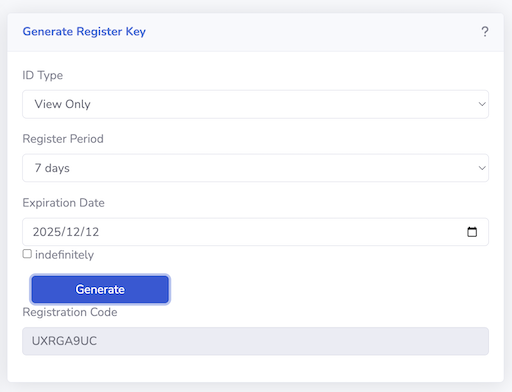
5. Generating registration keys
Click "Generate" and copy the Registration Code.And share the key to other user in the safe way.